
For customers on our Scale or Enterprise plans, ScaleGrowth provides support for fully-custom UI styling using platform-wide Custom JS Code Injection – which can be used to create advanced UI widgets or components, or use 3rd party libraries that provide these.
If you are already on one of these plans, to do so:
- Enter Admin if you aren't already
- Head to Settings → Configuration → Custom Code or Scripts
Here, you have two options
- Page Header Code Injection will let you inject code into the page's
headtag - Page Footer Code Injection will let you inject code at the end the page's
bodytag - both of these will apply Platform-wide
IMPORTANT DISCLAIMERS:
- Teaching folks "How to JavaScript" is outside of the scope of our Support team. Having said that, please check out this great JavaScript Tutorial by W3 Schools to learn all about the cool things you can do with it. They have great content & examples for all levels of JS expertise, from beginners to advanced.
- Similarly, since Custom JS is extremely powerful, it can be easy to break your UI with it, and unfortunately we can not provide debugging support for it. Our Support team might ask you to remove or disable your Custom JS when helping you.
- Lastly, unfortunately we are unable to provide support for the various 3rd party frameworks or packages available. They need to support being included in other websites in the first place – as opposed to running them on your own servers.
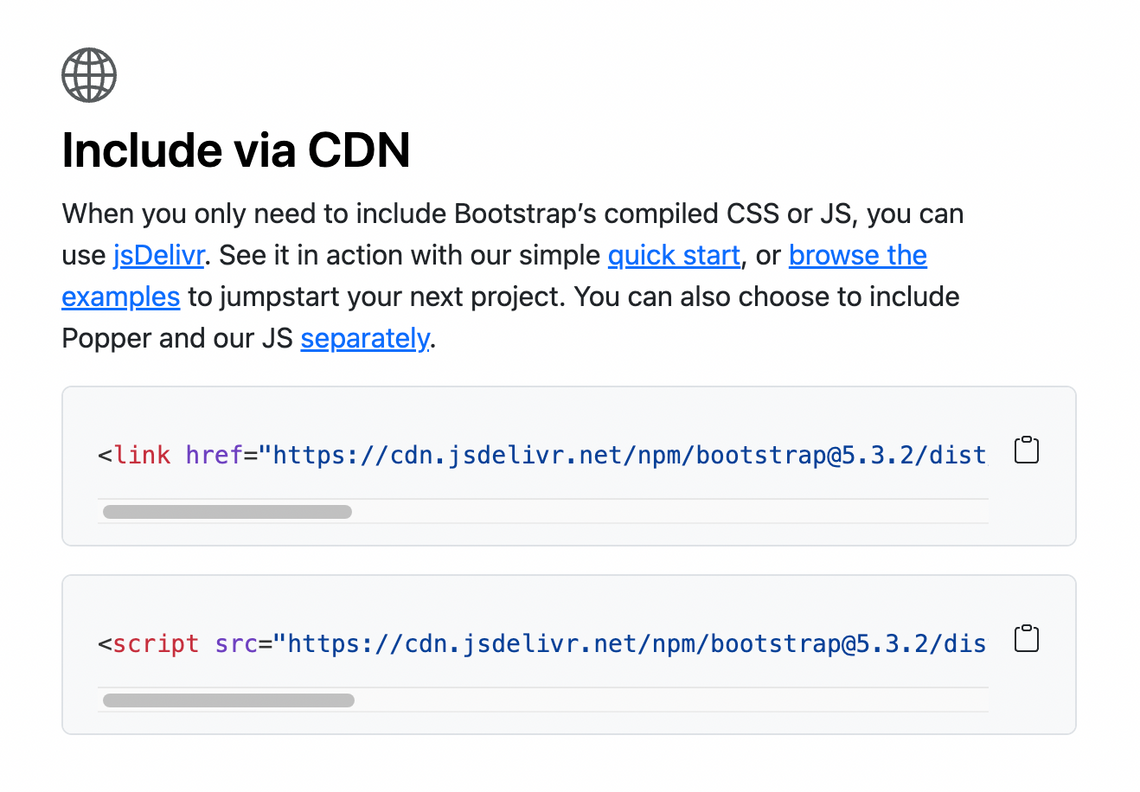
Typically, you will need to either include a link to a JS file or a special JS loading code snippet which you need to include using a script tag. A lot of packages may also have a separate snippet you use to include the corresponding CSS. Their documentation should give you instructions on how to do this. See the Include via CDN example of how the popular Bootstrap framework does this: https://getbootstrap.com/
See also:
