
Sometimes, you may want to Remove a Member Profile from your ScaleGrowth platform.
This will remove them from the corresponding User Groups and reset them back into the same state as before they completed Onboarding. Please note that this is different from Removing a User Account entirely.
💡💡💡 For 2-Sided Marketplaces or Mentorship Programs, you can follow similar steps to Remove a Provider Profile on the other side as well. 💡💡💡
To Remove a Member Profile:
- Log into ScaleGrowth with your Admin or Moderator account.
- Make sure you are in your Admin view – you can use the Switch Role menu to get there.
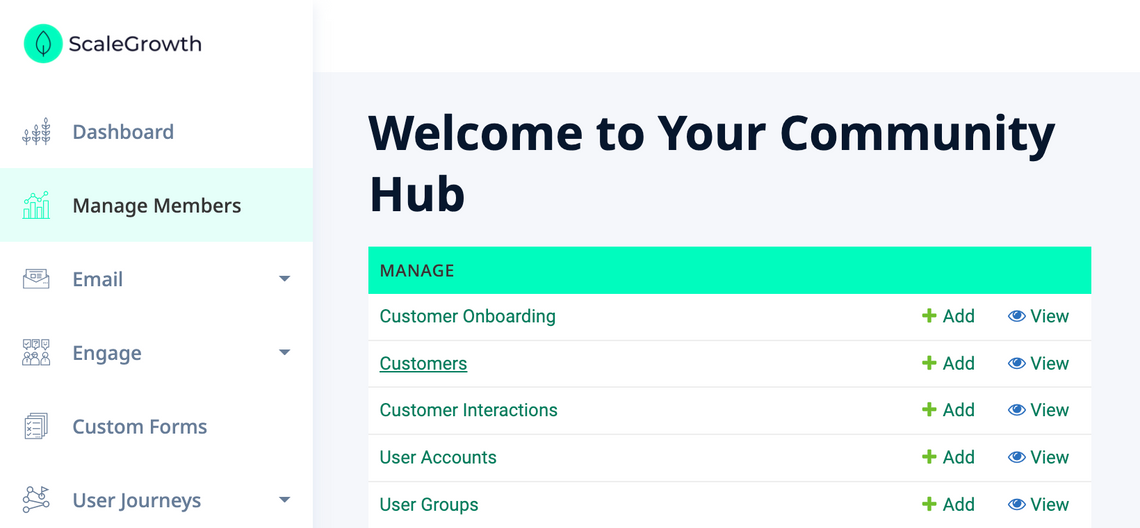
- Head to Manage → [[Members]]*
* – [[Members]] will be replaced with what you call your Members – Customers here:
- Here, you will find the Remove Profile button under the Actions column:
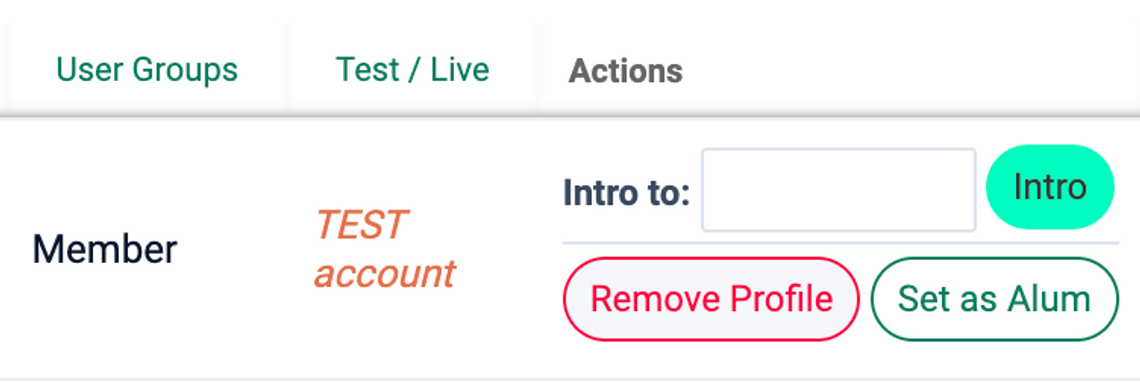
- Click the Remove button, which will show the confirmation dialog:
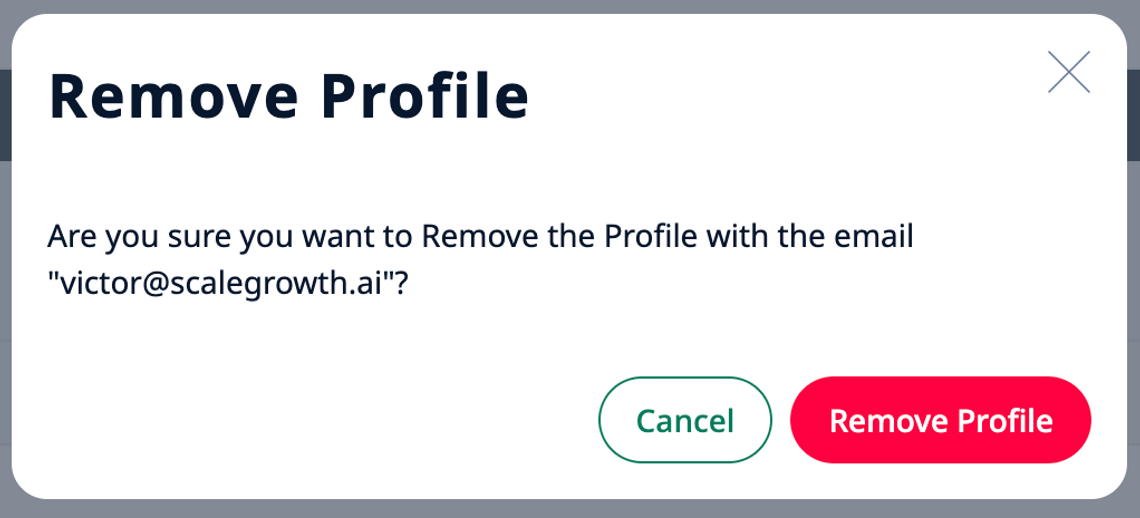
- Finally, confirm your intention by clicking the Remove Profile button.
All done!
