
To configure this:
- Enter Admin if you aren't already
- navigate to Email > Email Automation
- select Workflows & Notifications and hit Next
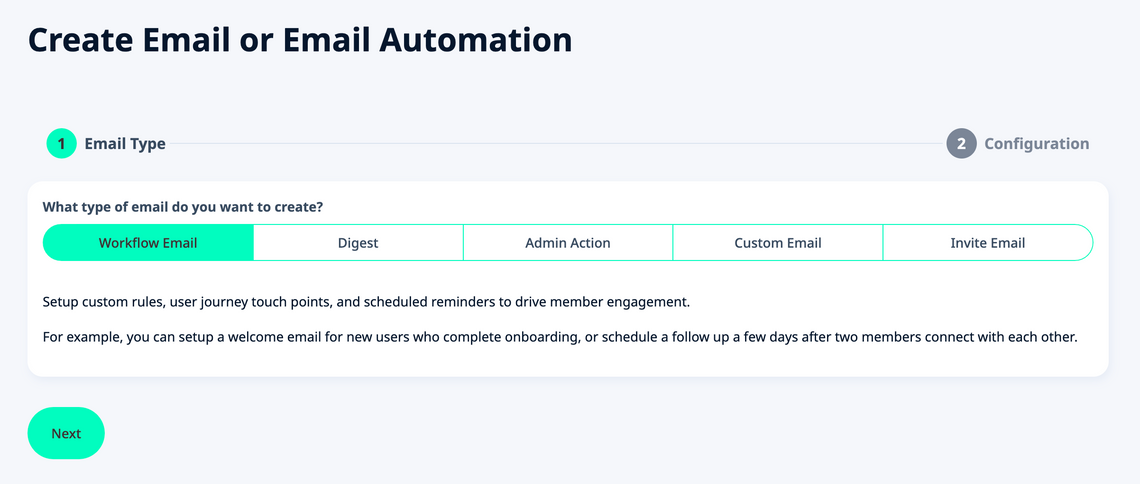
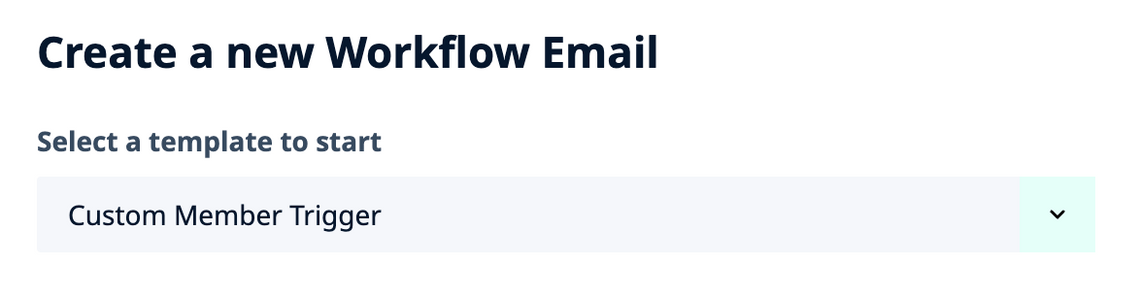
- choose an existing Email Template to modify or Create a new Workflow Email at the bottom
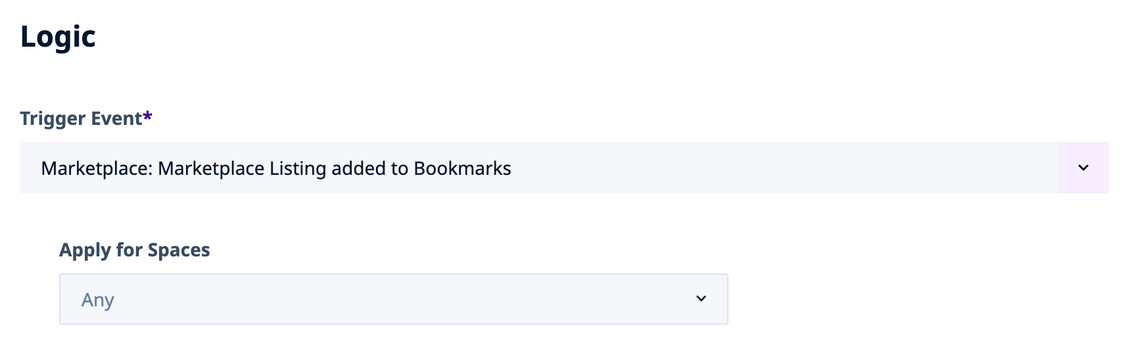
- under the Logic section, find the Trigger Event setting
- look for
Listings: Listing added to Bookmarksin there - (or similar
Resources: Resource added to Bookmarksand so on) - optionally, you can also target this reminder for specific Spaces only
- under the Scheduling section, find the Send this Email to setting
- set it to
Before StartorBefore Endas desired - Enter the desired # Days in Advance you want to to notify the users before the Start or End time
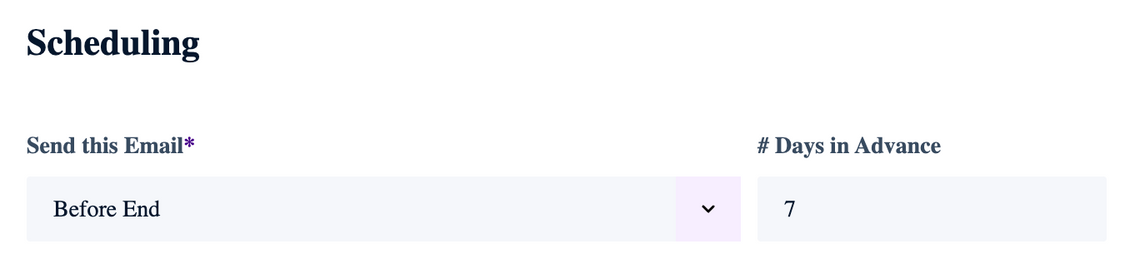
Note that this email will fire around the same time of day as the corresponding Start or End time – but specified number of days in advance. For Listing which are posted in Spaces where you have turned off the Time portion for and are only using the Start / End Date, this will be midnight at the beginning of the day.
- configure the rest of your Email Template Settings and Content
- don't forget to Enable it at the top once you are happy with it
- All done!
