Loading...
Profile Image

Profile Image

Add Start or End Dates & Times for Resources or Listings

Add Start or End Dates & Times for Resources or Listings

About

Add End Dates & Times for Listings with deadlines to create FOMO and drive engagement. Or add Start Dates & Times for program content or applications with limited availability window.


Content

For any Space configured to use our Listings or Resources experience, you can now:

  • Enter Admin if you aren't already
  • navigate to the Space you want to modigy
  • click Settings in top right
  • look for Enable Start or End Date for Listings and turn it on
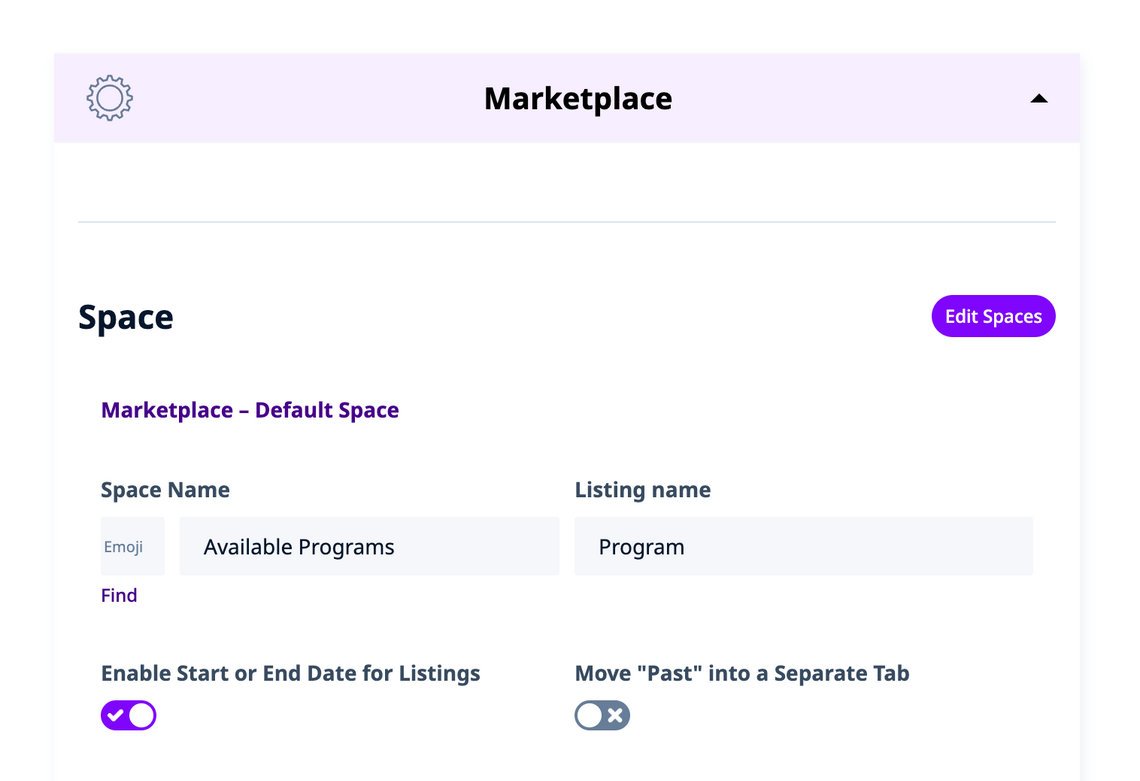

  • also note that if you turn in on, you get an additional option
  • to Move "Past" into a Separate Tab in there