
To configure this:
- Enter Admin if you aren't already
- navigate to Email > Email Automation
- select Workflows & Notifications
- note that if you have 2-Sided Marketplace enabled, you can choose whether this is for
MemberorProviderside here as well
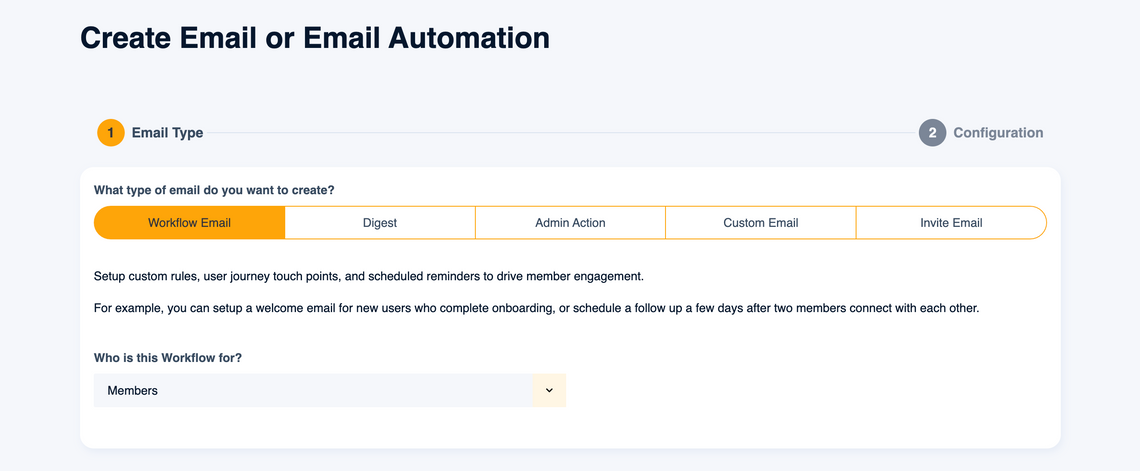
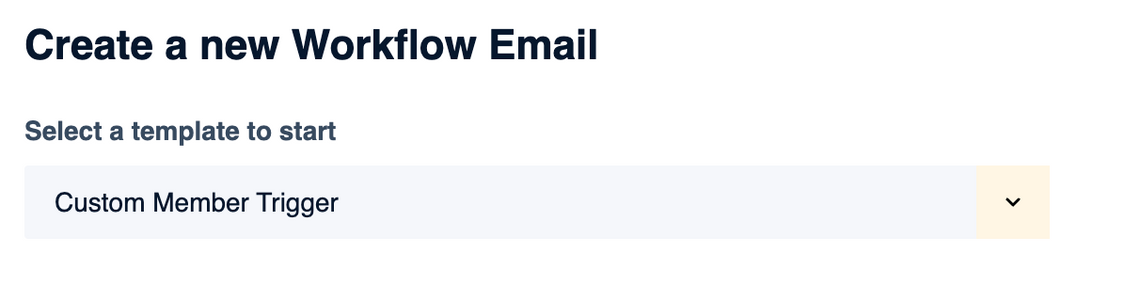
- choose an existing Email Template to modify or Create a new Workflow Email at the bottom
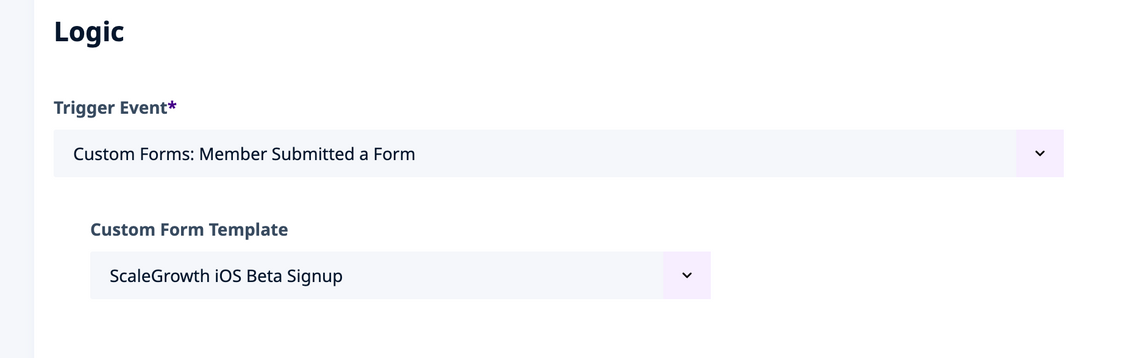
- under the Logic section, find the Trigger Event setting
- look for
Custom Forms: [[Member]] Submitted a Formin there - where
[[Member]]is whatever you call yourMembers - select the corresponding Custom Form Template
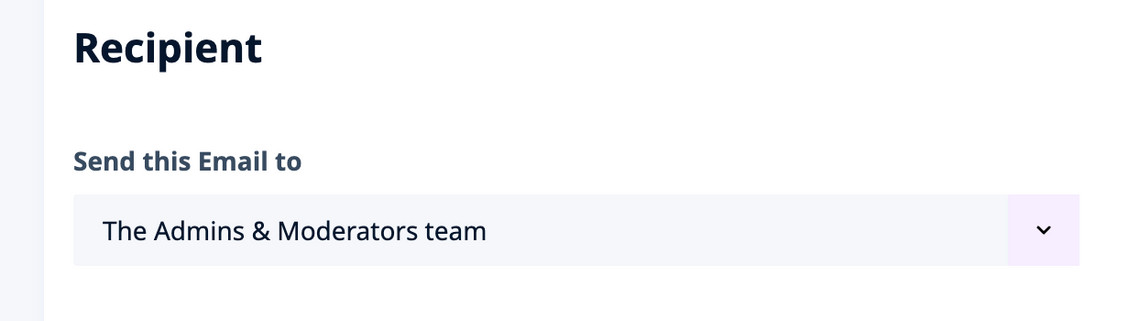
- under the Recipient section, find the Send this Email to setting
- set it to
The Admins & Moderators team
- configure the rest of your Email Template Settings and Content
- don't forget to Enable it at the top once you are happy with it
- All done!
