
And not only is this possible, but it's super easy to do!
- Enter Admin if you aren't already
- navigate to the Space you wish to configure
- click Settings in top right
- scroll down to the Access section
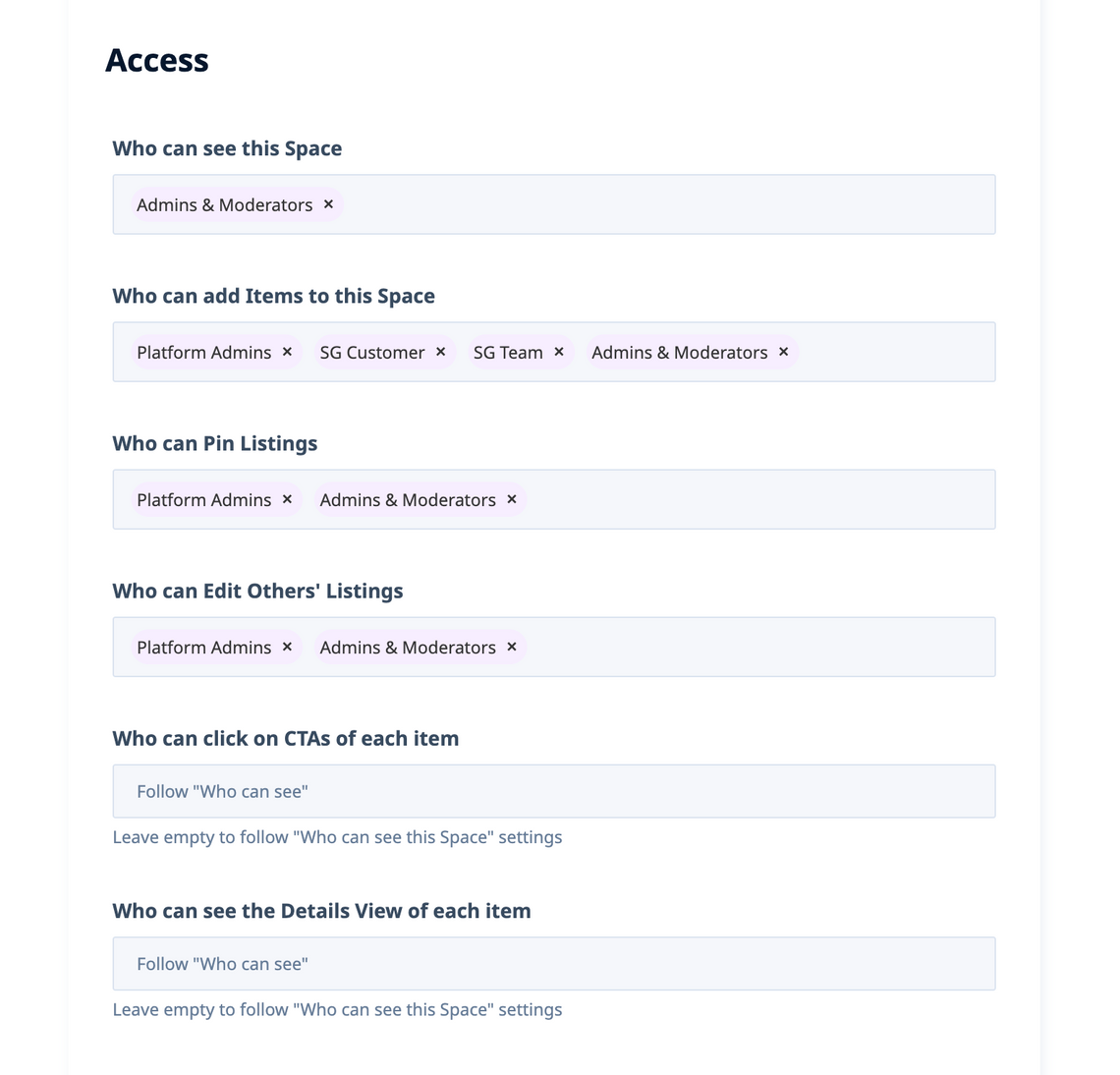
And in here, you can absolutely configure Who can see this Space to be more restricted than Who can add Items to this Space – simply assign exactly the sets of User Groups you wish to be able to do these actions.
And yes, you can even choose to include the special No Account User Group which represents visitors who are not logged in under Who can add – while omitting it from Who can see. This creates the effect a-la "suggestion dropbox" or your postal mailbox – where anyone can slide letters into the slot, but no-one can see what's already been put in there unless you are the postal service team member.
