
It is super easy to configure "Who can See" vs "Who can Add Content" for any Space on ScaleGrowth:
- make sure to Enter Admin mode
- navigate to your favorite Space
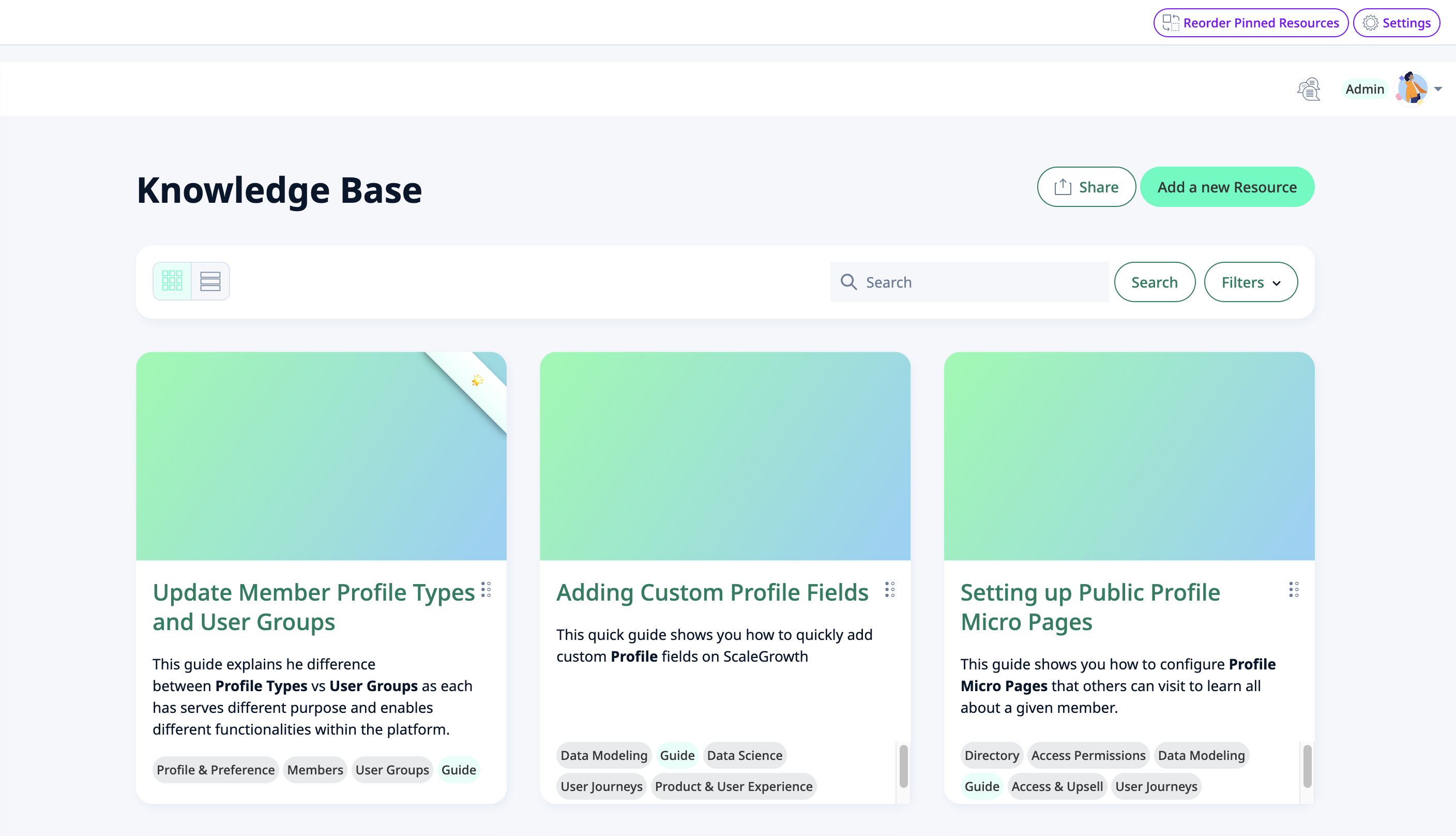
- click the Settings button in the top right

- set the Who can Access and the Who can Add Content settings to your liking
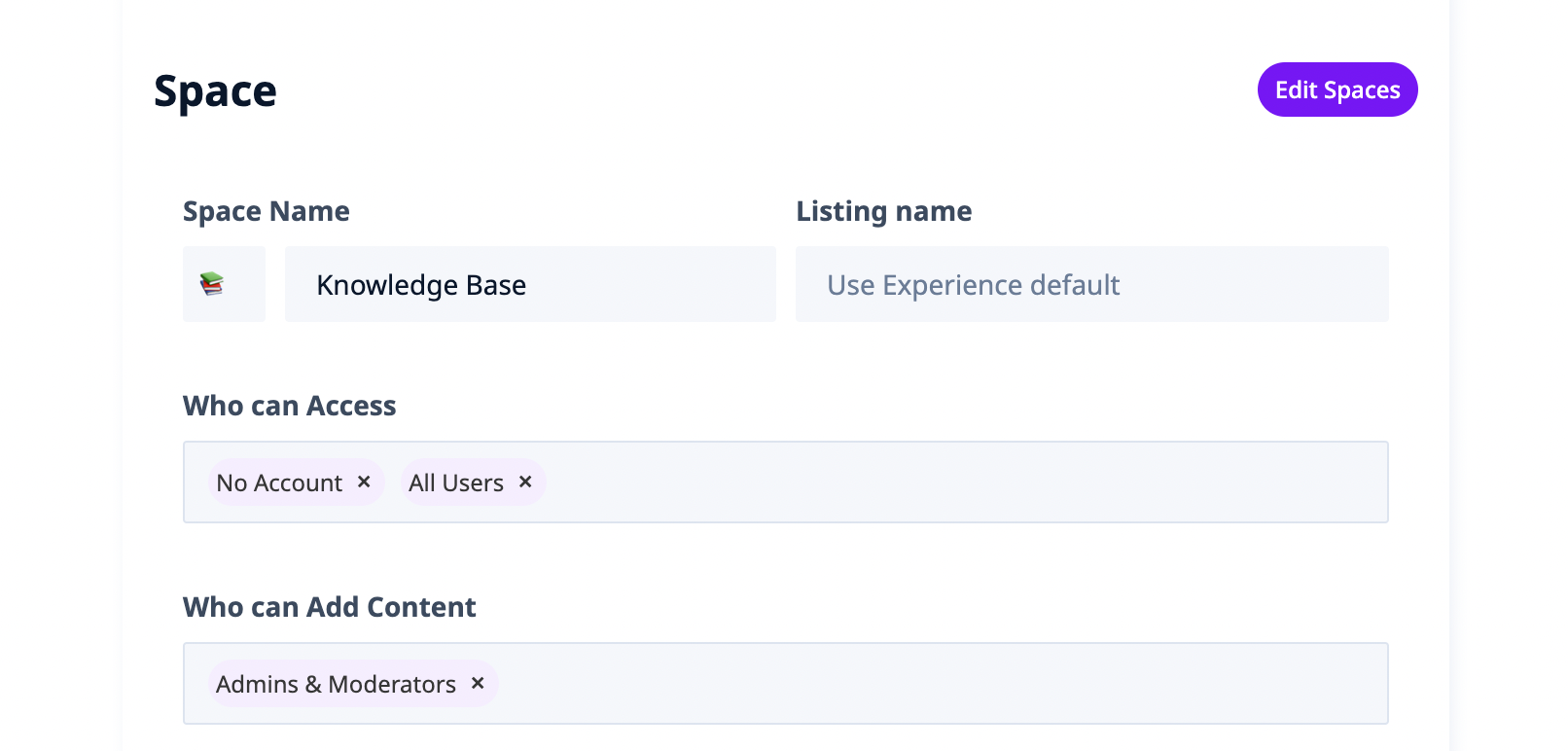
- voila, all done!
---
Optionally, you can also:

- customize the Message for Users without access
and if you have Paid Memberships setup:

- setup an up-sell to redirect users without access to go purchase required Membership
- (or send them to the corresponding Memberships page to browse all the options)
