
Create an account is straight forward with ScaleGrowth.
If you are build a platform on ScaleGrowth, start at https://scalegrowth.ai
- Entered your work email and password to create an account.
- You will be prompted to confirm your Email
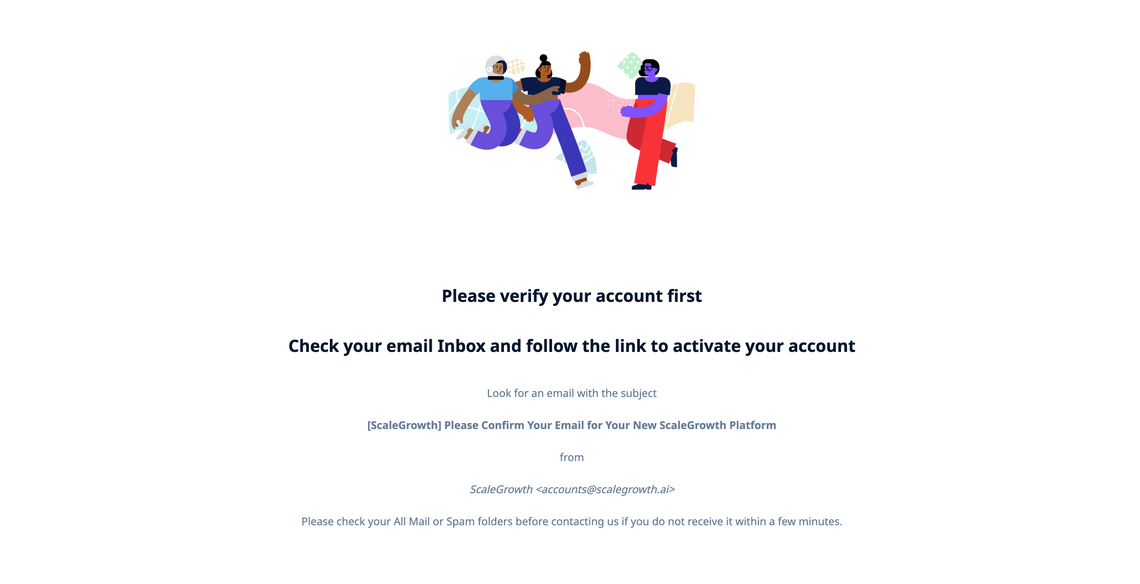
- Follow the instruction to check your email inbox (the one you used to create your account). Please look for an email with Subject “[ScaleGrowth] Please Confirm Your Email for Your New ScaleGrowth Platform” from “[email protected]”.
- Click on the link in your verification email to activate your account. This step is to ensure security.
- The verification link takes you to a confirmation page. Click on “GO TO MY ACCOUNT” to log in automatically.
- Once you log in, you can follow this guide to go through the steps to create a platform.
If you are creating an account on an existing ScaleGrowth platform, you always want to start with the designated Signup page your organization shared with you:
- Entered your work email and password to create an account. Make sure to check T&C box if required by your organization before click on “CREATE ACCOUNT”
- If your organization requires email verification, you will be prompted to confirm your Email
- Click on the link in your verification email to activate your account. (This step is to ensure security and data integrity of everyone using the platform.)
- The verification link takes you to a confirmation page. Click on “GO TO MY ACCOUNT” to log in automatically.
- Once you log in, you will go through the onboarding process to join the the platform.
If you have any additional questions, feel free to email us at [email protected]
