
On ScaleGrowth, there are 3 different versions of a given member's profile:
The first is a private version of their Profile, which is "just for them" and which includes things like their calendar with Events they RSVP to and so on.
The second is a their Directory Listing – which shows a snapshot of their info either as a "Baseball card" or as a more detailed view depending on the viewer's preference.

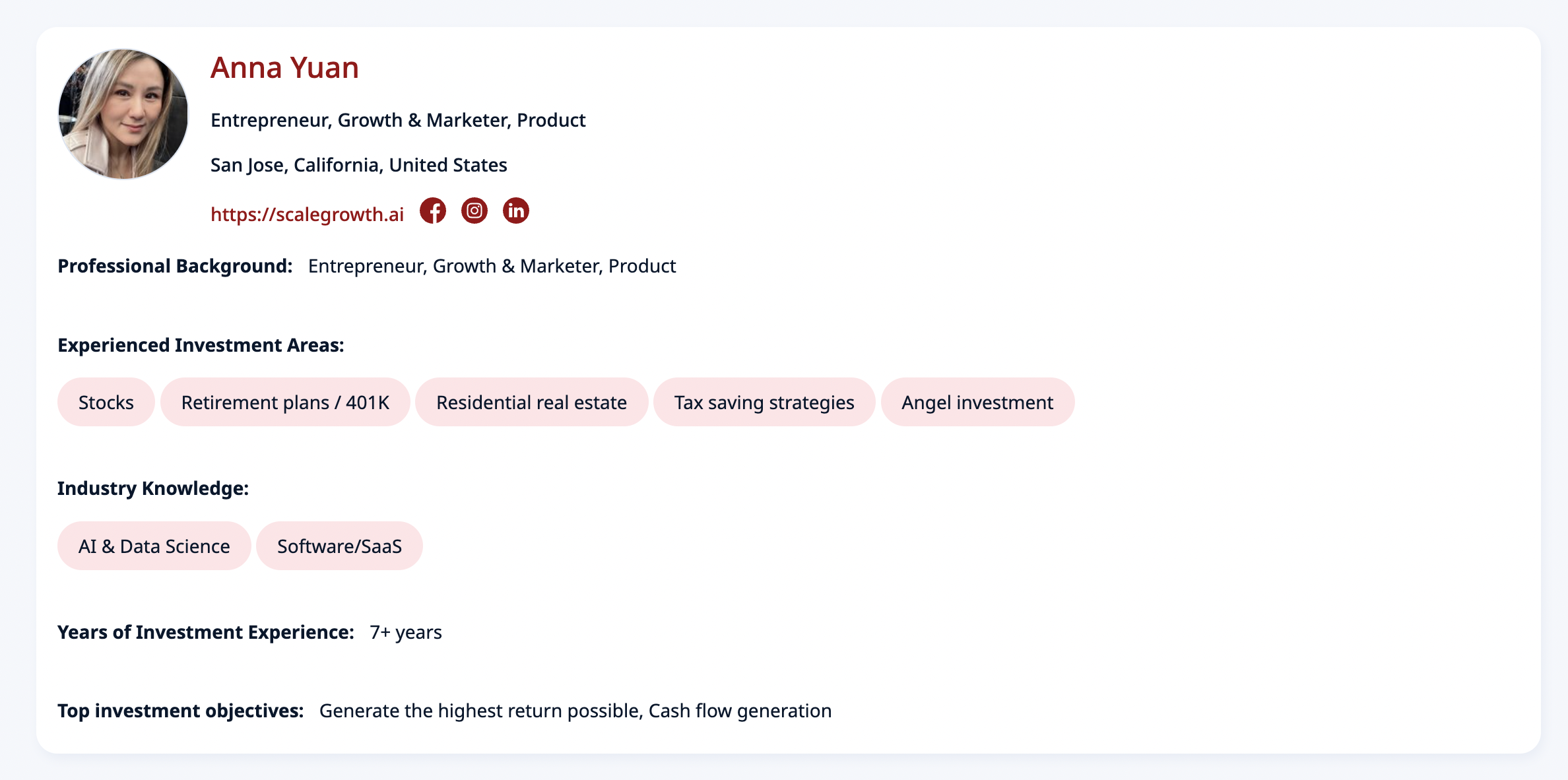
Please see the Custom Directory Profiles guide on how to configure these.
The third is their Profile Micro Page that other members of your community can see. These Micro Pages also have a dedicated URL link and include a nifty Activity Feed of everything related to this member.
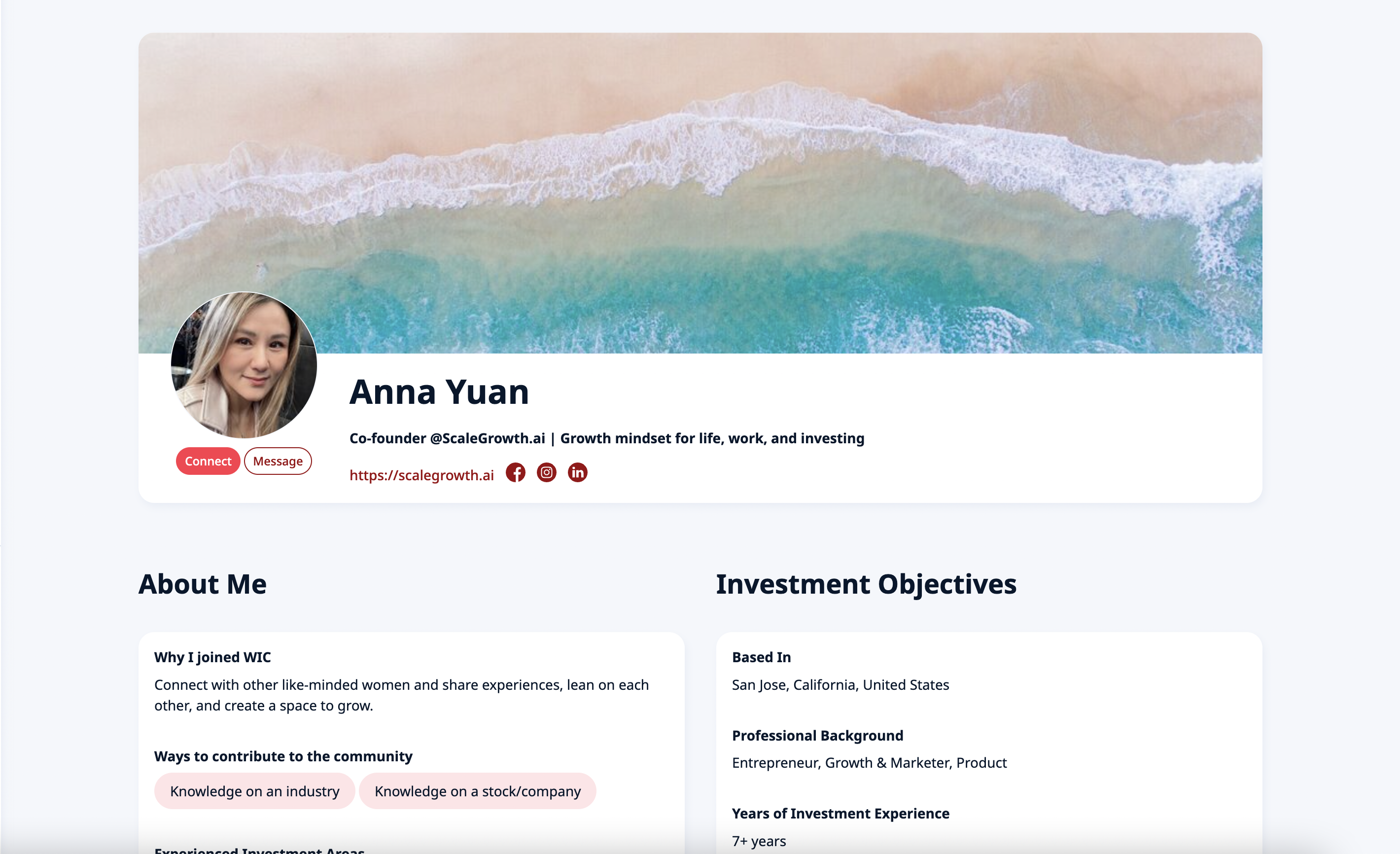
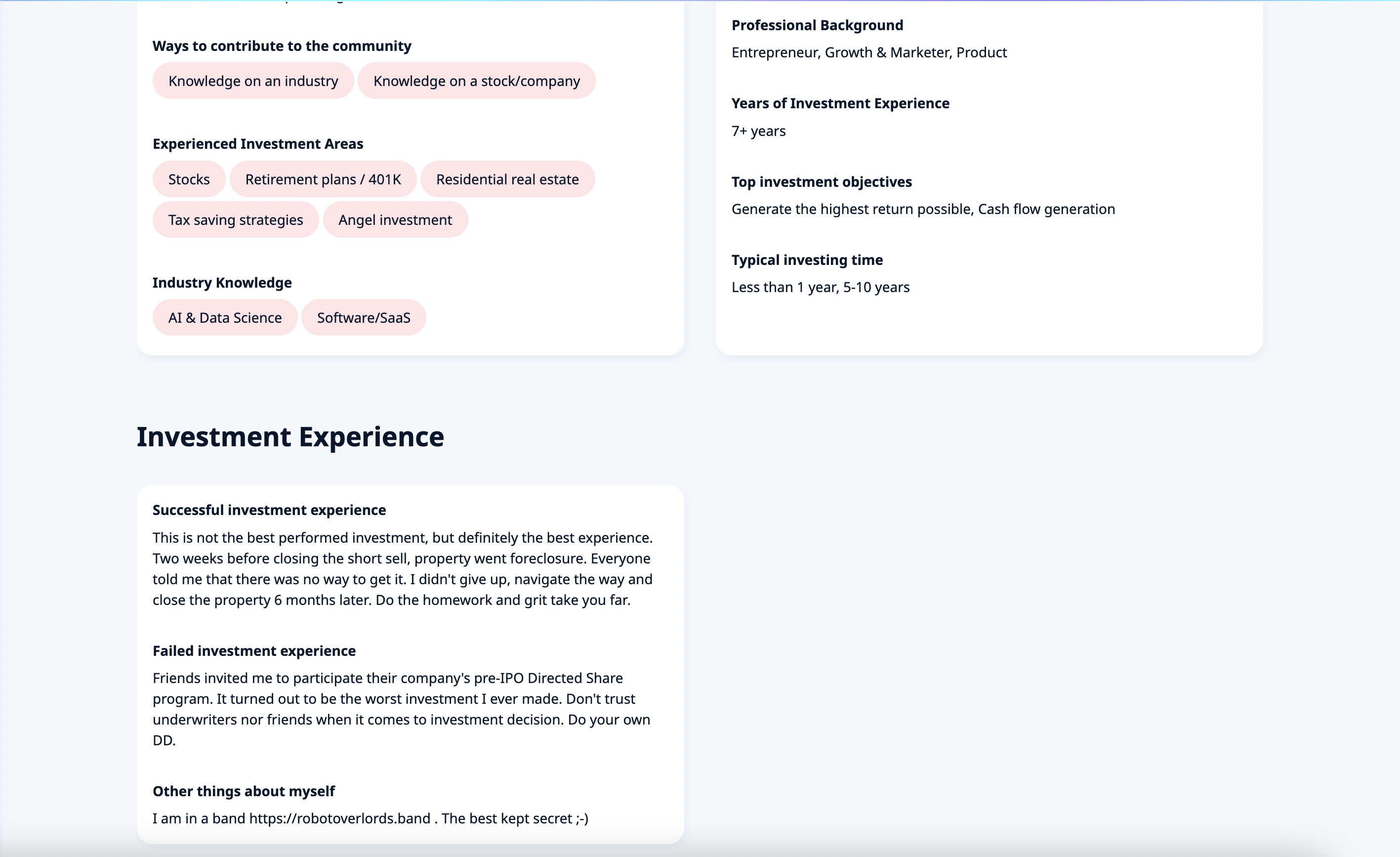
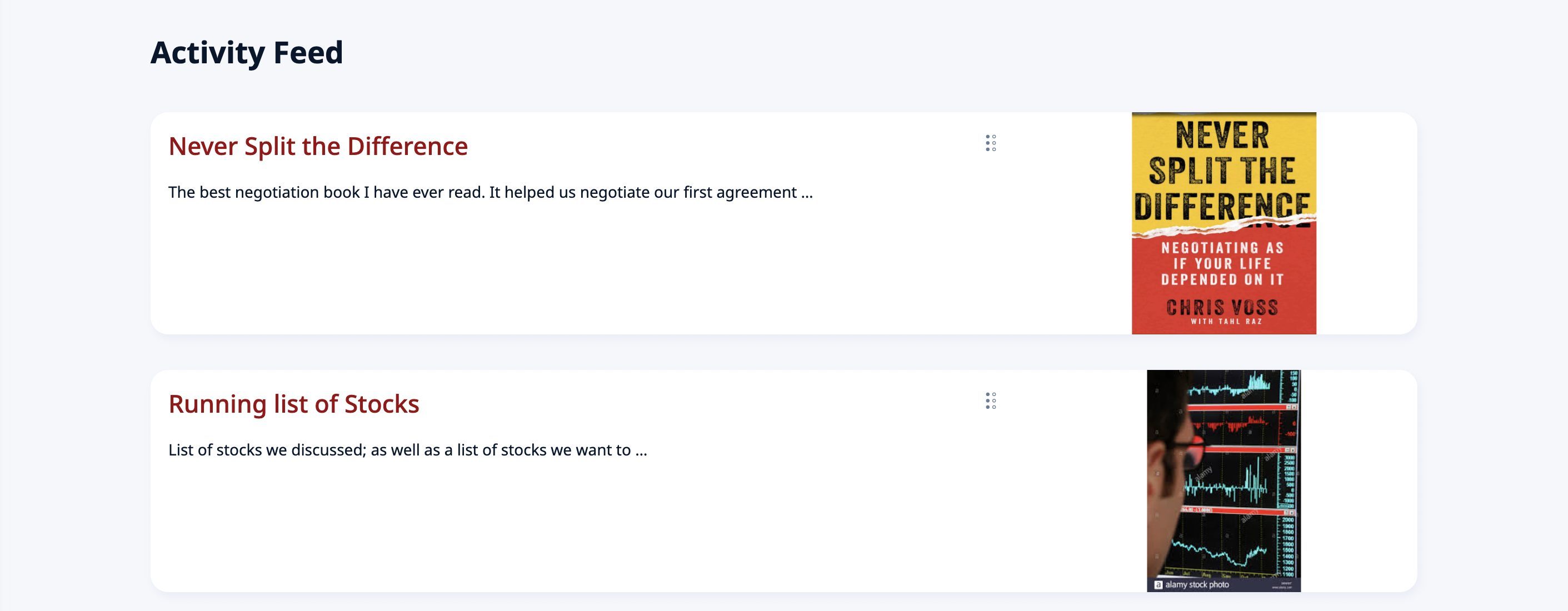
Optionally, if you wish to setup a public-facing Directory, these can also be made Public on the internet – and worry not, every piece of content they link to will double-check its own access permissions and ask the visitors to Sign Up and/or purchase a Membership as you desire.
Please see the Setting up Public Profiles / Micro Pages guide on how to configure these.
