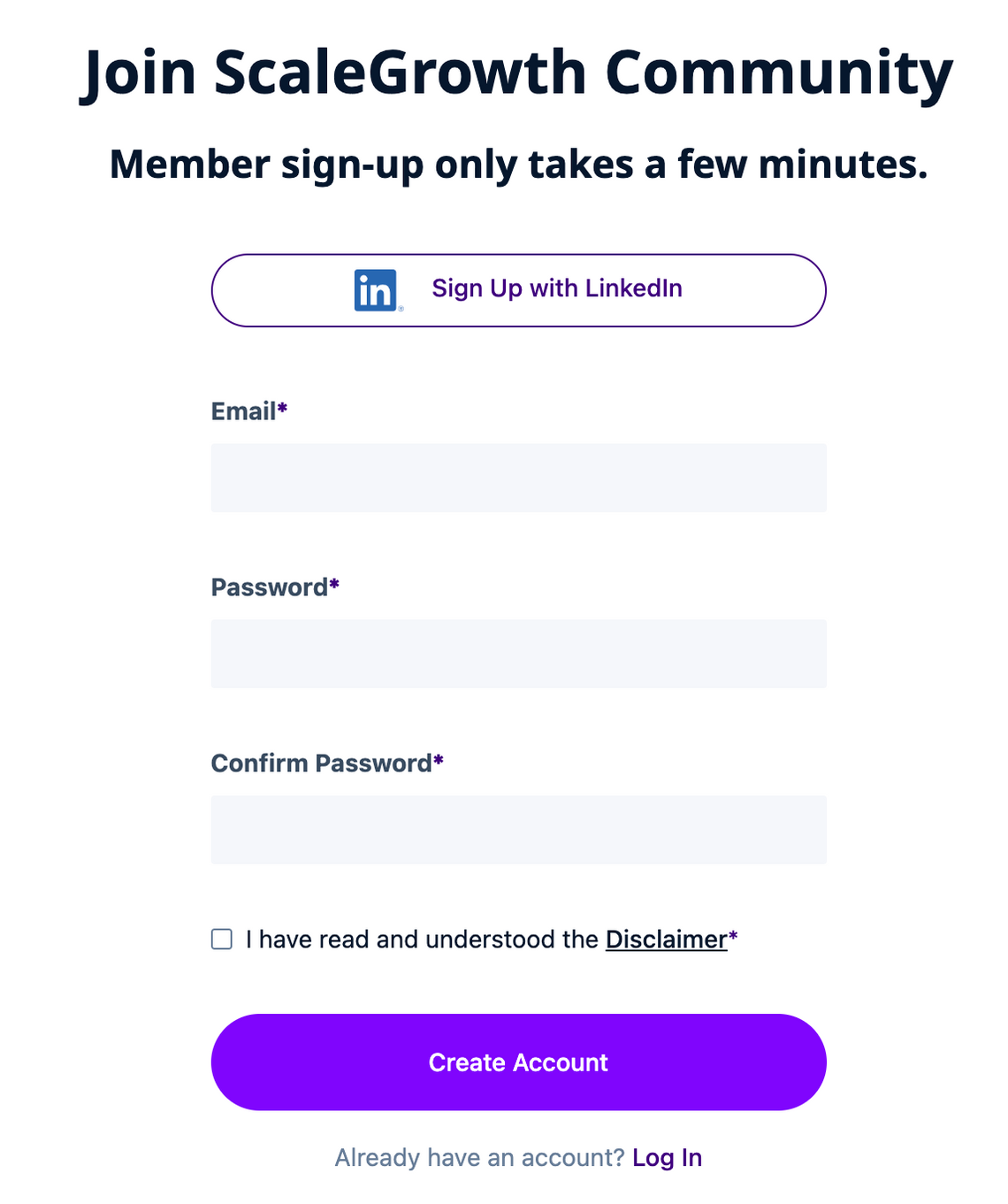
You can add a checkbox requiring the user to agree to your Terms of Service, Privacy Policy, or similar on your Sign Up and Log In screens.
To do this:
- Enter Admin if you aren't already
- head to Settings > Configuration > Sign-On, Account Verification & Legal
- look for Show Sign Up Terms of Service
- enable it
- you will now be able to modify the Terms of Service label
- as well as Terms of Service text (can include HTML)
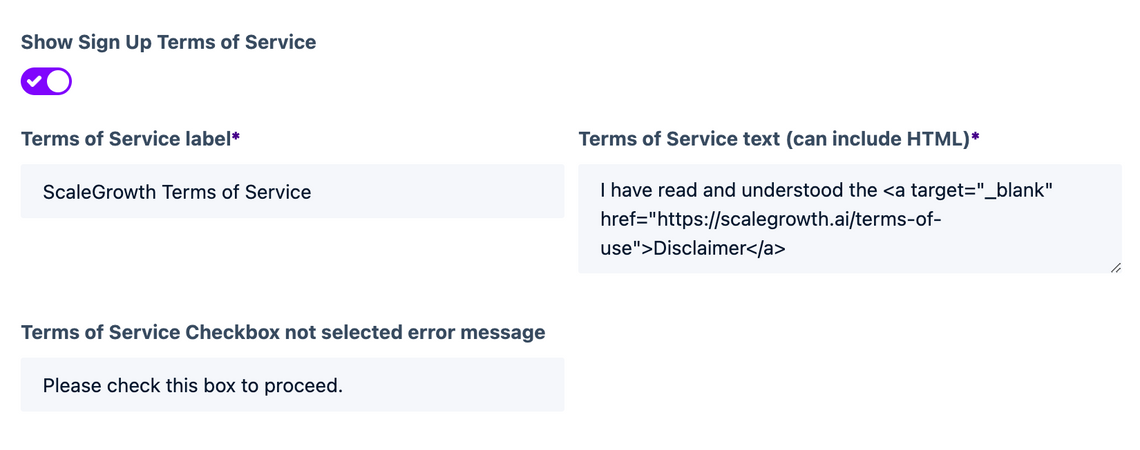
- note that you can also customize the Terms of Service Checkbox not selected error message here
- Save your changes
- All done!