
In order to maintain the quality and relevance of content within your Space, ScaleGrowth.ai allows you to require admin approval for new submissions. This feature ensures that every item submitted is reviewed by an administrator before it becomes publicly visible. Follow the steps below to enable this functionality:
1. Access Space Settings:
- Navigate to the upper right corner of your Space's page and click on "Setting".
2. Enable Admin Approval:
- Within the settings menu, find the option labeled "Require Admin Approval for new submissions in this Space".
- Toggle the switch to the On position to enable admin approval.
3. Submit a Content
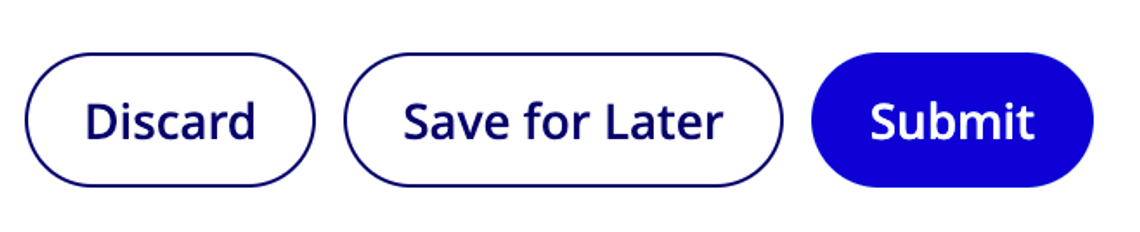
- When submitting content, use the "Submit" button rather than "Save for Later." The "Save for Later" option saves a draft that is only accessible for your review, not submission for admin approval.
4. Review Submissions:
- Once enabled, all new submissions will be placed under a "Review" status, awaiting admin approval.
- Administrators can go to the Space, where they will see a "Review" indication on the card view of submissions.
5. Publish Submissions:
- To publish a submission, click on the Ellipsis "dot dot dot" menu associated with the item in review.
- Select the option to Publish it, making the submission visible to all Space members.
By following these steps, you ensure that all content within your Space meets the required standards before being shared with the wider community. This process helps in maintaining the integrity and relevance of the information shared within your ScaleGrowth.ai Spaces.
