
Your Success Center
Welcome to the Success Center, your personalized support hub directly from our Product team!
To use the Success Center, you must be a ScaleGrowth customer. If you're not already, you can set up your ScaleGrowth platform with our Free Trial. Once you're set up, log in using your Platform Admin or Moderator account and find the Success Center button in the top right.

Here, you can:
1. Seek advice and product usage tips by going to the Ask SG Team tab and posting your question.
Note that we support Saved Searches and Search Presets – and by default, this view shows Open Questions:
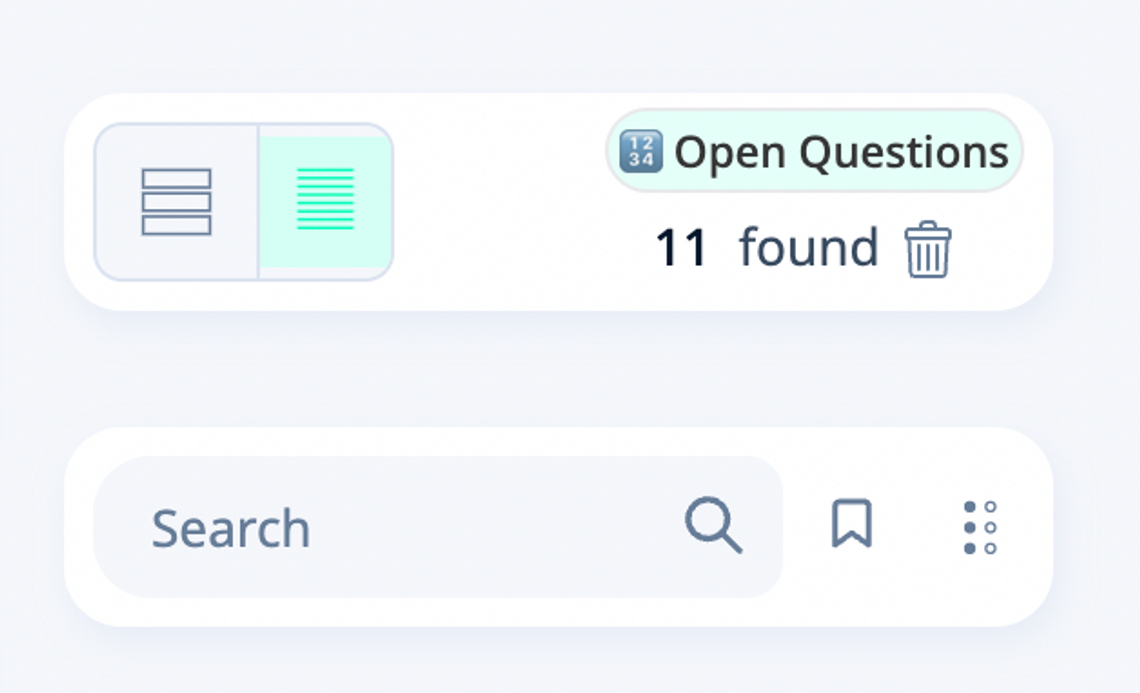
To change this, click the ⠇ menu next to the Search icon – or click on the Open Questions badge. For example, you can easily switch to see Answered ones
💡 Once our team addresses a question, they will tag it as Resolved. To re-open it, simply Edit to remove this tag.
2. File Bug Reports or submit Feature Requests in the Submit Bugs & Features tab.
Once here, click Add new Request in top right.
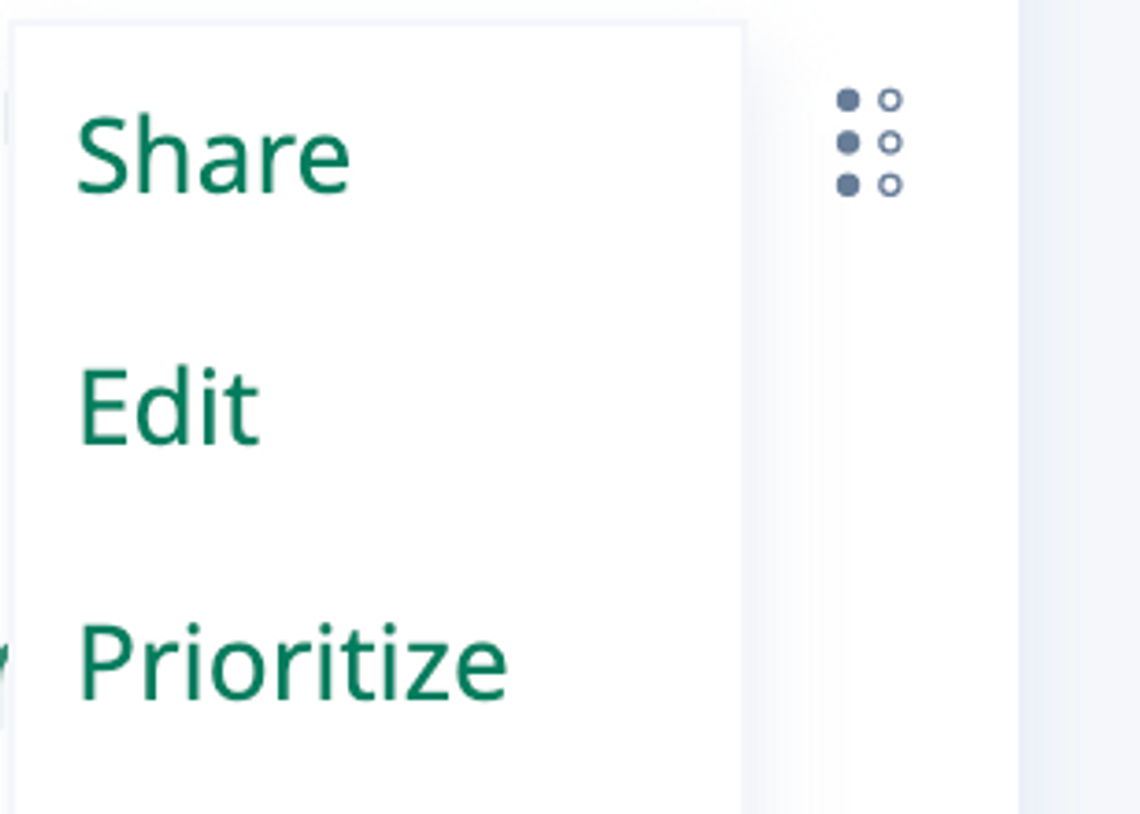
Optionally Prioritize new Requests when submitting to emphasize their importance.
- You can also Prioritize any Request in here through the Action Menu in the top right of the tile,
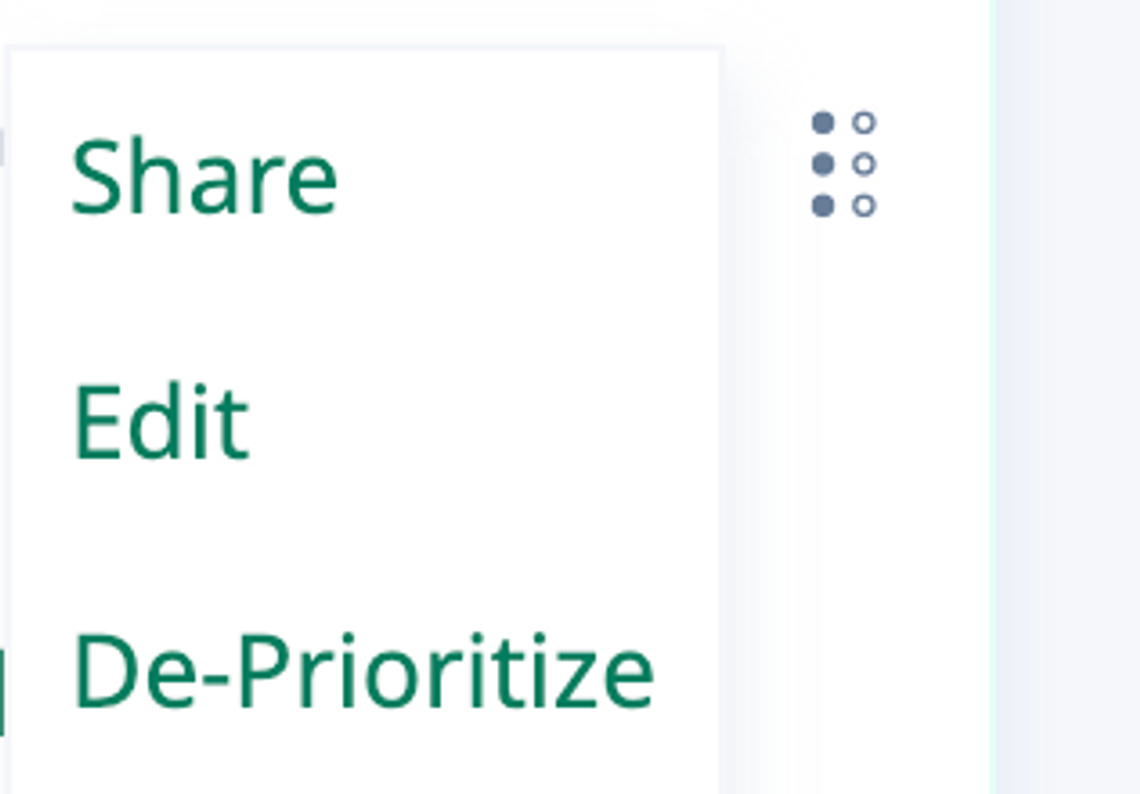
- And you can always De-Prioritize any previously-Prioritized Request that is no longer time-sensitive:
Reorder your Requests by clicking the Reorder button and dragging them to arrange them based on importance and urgency:

FAQ – Why is there a single queue for Bug Fixes, Feature Requests, and UX Improvements?
A: The single queue provides flexibility because not all issues are equal. For instance, a critical bug may demand immediate attention, while minor cosmetic fixes in rarely used user journeys may not be as pressing. Our goal is to understand your true priorities, and address what matters to you most first. 🙂
Please see ScaleGrowth Roadmap and Customizations to learn more.
Explore other SG Community Spaces:
- Getting Started – The best place to start exploring ScaleGrowth and launching your first app.
- Knowledge Base – Access our Knowledge Base for valuable info & best practices.
- Product Updates – Stay informed with the latest ScaleGrowth release notes directly from our Product team. Engage in Public Comments or Direct Messages for questions & feedback.
- Office Hours – Join ScaleGrowth Office Hours, an exclusive session for customers to bring their questions to our expert team.
- SG Status – Check the latest status of your ScaleGrowth platform, including Live Incident reporting and emergency updates.
- User Research – Coming Soon! – A dedicated space for our Design & UX Team to conduct surveys, workshops, and user interview sign-ups.
- Android Beta – Sign up for Early Access Beta Testing of our upcoming Android native mobile app.
- iOS Beta – Sign up for Early Access Beta Testing of our upcoming iOS native mobile app.
