
ScaleGrowth supports Test Accounts which are identical to regular accounts except for 2 key differences.
First, Test Accounts can only be visible in the Directory by other Test Accounts in addition to Admins & Moderators.
Second, Test Accounts are excluded from personalized Recommendations. The reason for this is to avoid a Regular Account being matched with a Test Account on the platform.
You can easily mark any User Account as Test or revert it back:
- Enter Admin if you aren't already
- Head to Manage > User Accounts
- Locate the User Account you wish to change
- Click Mark as Test under the Actions column
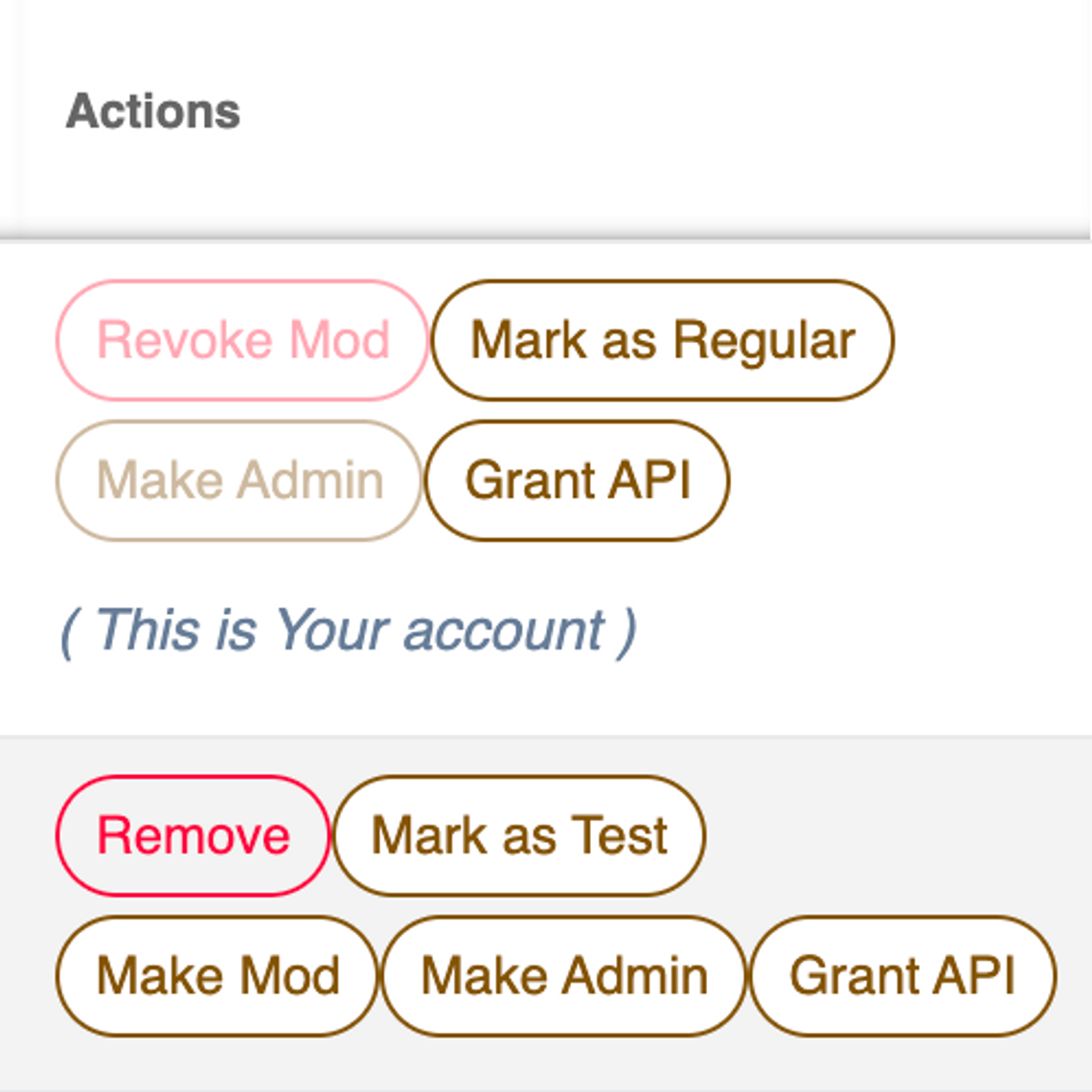
- You can also click Mark as Regular on a Test Account to turn it back into a Regular Account.
