
When it comes to invite new members to your platform, ScaleGrowth provides several flexible invite options tailored to your unique use cases, giving you greater flexibility.
When you wish to grant your new members access to any content, you can use one of our built-in invitation methods or integration with tools such as Zapier.
If you have set up paywalls in your platform and map User Groups to Memberships, you can also invite your members directly to Membership purchase page to purchase membership first.
These methods include:
- Individual invites
- Invitation links
- Bulk Emailing
- Bulk import
- Integrations
Send an individual invite to member
Use this option if you are planning to send invitations to only a couple of members and want to offer Admin/Moderator privilege or a membership to them by manually update their User Groups.
To start the invite process:
- Enter Admin View
- Click Manage from the left Admin Navigation
- Click on → Members from the list of the items
- Click Add Member from the upper right corner
- Fill out the member’s email and name as the Basic information
- Save
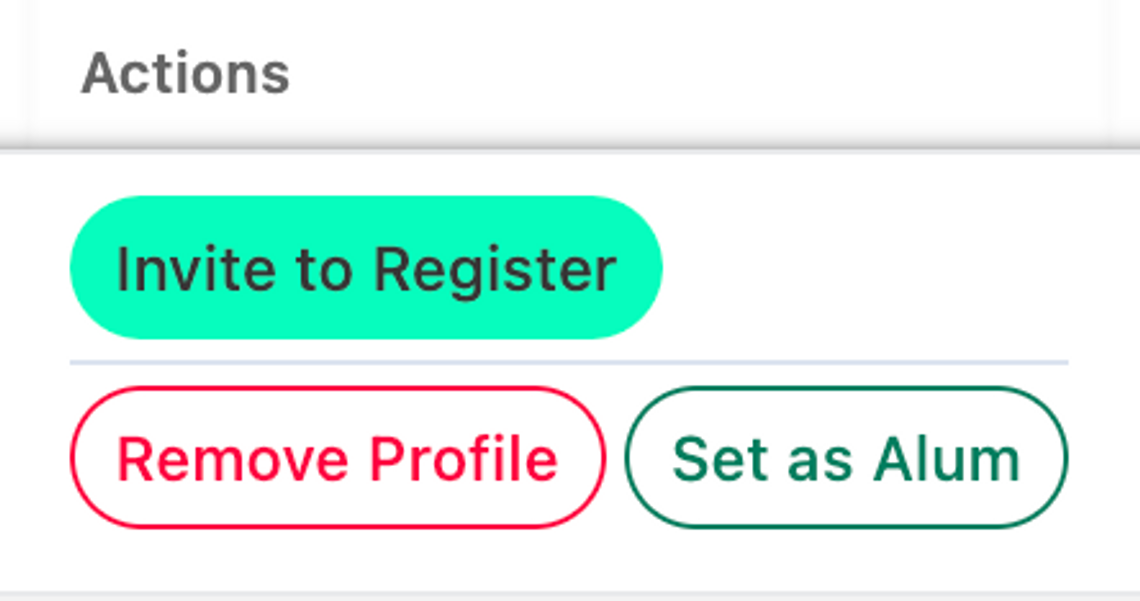
- On the listing view, under column "Actions". Make sure your Admin Invitation Email Template is turned on.
Create an invitation link to share with members
If you would like to invite your Members to Sign Up directly, this Sign Up URL is ready to go!
Invitation links are generic links that can be shared, and anyone who has the link will be able to use it to join your platform to go through the onboarding, access to the free space, or purchase memberships.
You can find your platform Invitation link by
- Enter Admin View
- Click Invite Members from the left Admin Navigation
- The first item let you "Copy Member Sign Up URL" link to your clipboard
- You can then share this link on various member acquisition channels such as your Social Media channel, newsletters, website CTAs, etc.
Send invites in bulk to invite multiple members
If you have a list of Member Emails and prefer to send them an Invitation to Join, we've setup a nifty Member Invitation Email Template for you to do this easily.
We have created an easy way to send the bulk invitation email:
- Enter Admin View
- Click Invite Members from the left Admin Navigation
- Click on the second item "Invite Member to join" and it will take you to the Invitation Email Template.
In the Invite Template, you can then
- Edit invite email content
- Paste a list of emails you wish to send an invite to in the Setting >> "Emails to Invite" box
- And follow the email wizard to send.
Bulk import member and then invite
With the bulk import option, you can use our bulk import option to import your existing members into a pre-defined Membership User Group, this will put them in the right user group for the right access. And then use Custom Email to inviting them to your platform.
For a step-by-step guide on bulk-importing members, see How to Bulk Import or Bulk Update Member Data with Data Loads.
Integrations
If you would like to set up automation configuring a specific trigger in ScaleGrowth or any third-party app that results in an action to invite members to your community, you can use ScaleGrowth Webhook with automation platforms like Zapier.
Read more on ScaleGrowth Webhook integration here [Video Tutorial] Using Webhooks to integrate with Zapier
