
Creating an Event on ScaleGrowth is super quick & easy. To create Event:
- Make sure you turn on the Events Solution Module
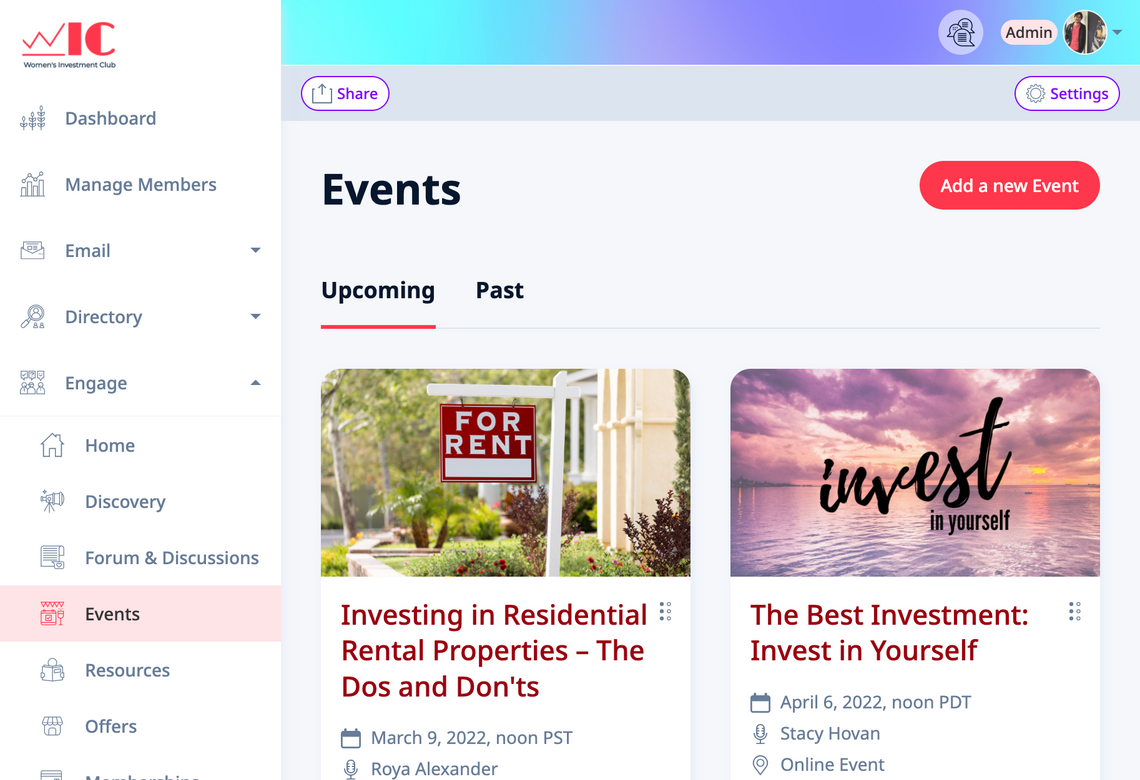
- Navigate to Engage → Events
- Click “Add a new Event” to provide details for the new event.
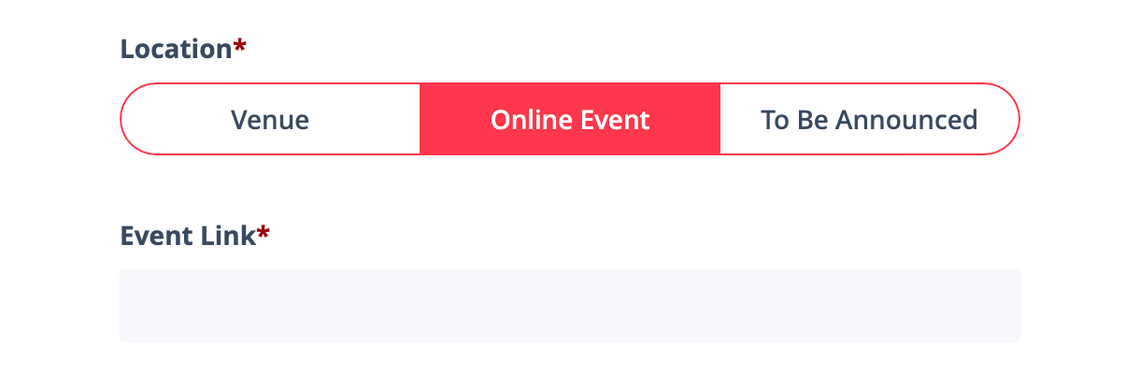
- To schedule an in-person, or an online event, head to the "Location" section of your event page. Select "Venue" for in-person event and enter your event address, or “Online Event” to enter your online vent link.
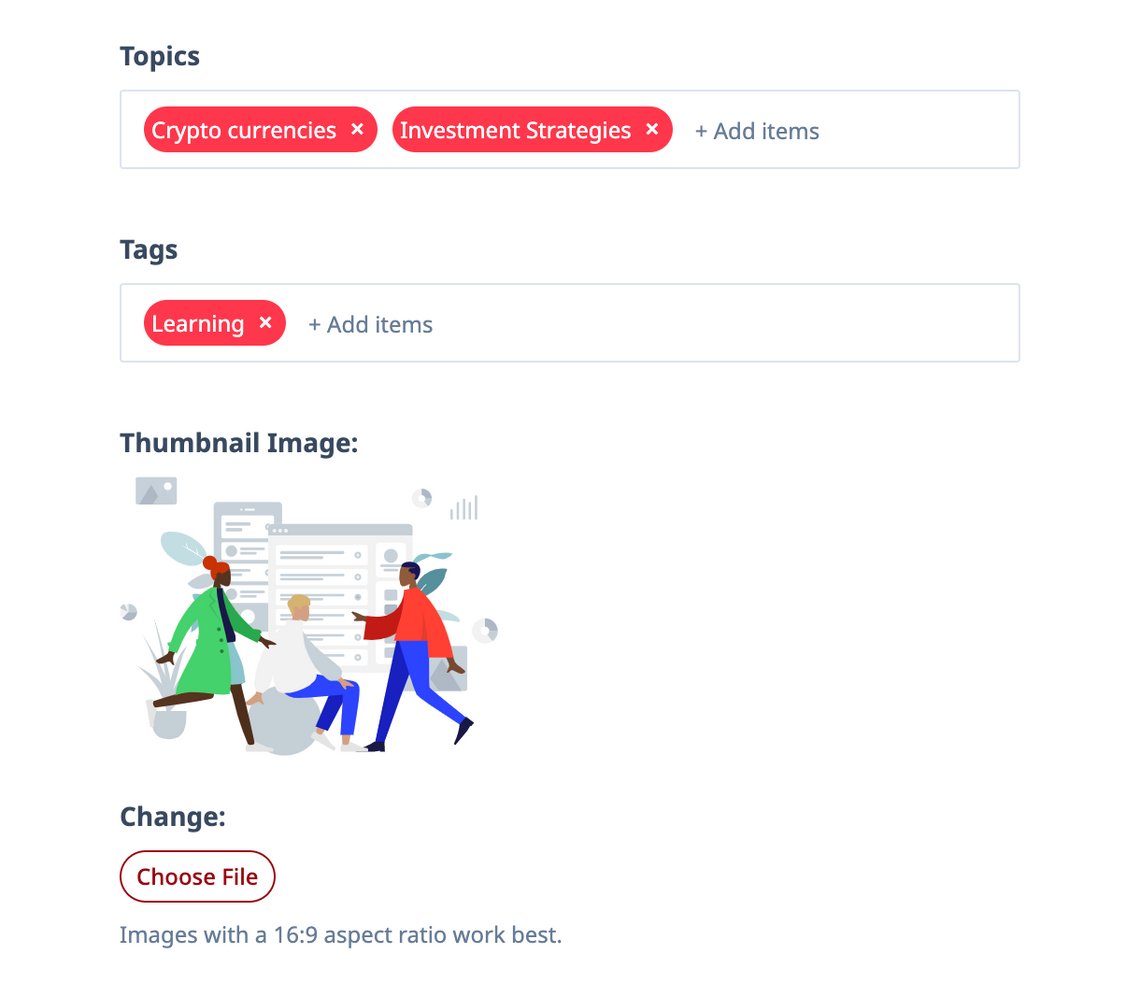
- Fill out rest of the event Description, categorize your events with Topics & Tags, add event Cover Image, etc.
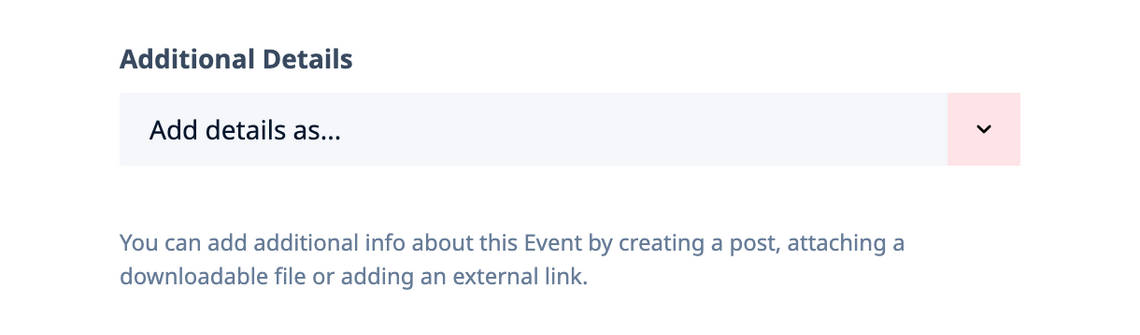
- You can also add Additional Details to your event by attaching a post; a downloadable file, or an external link to it.
To learn more, see all Quick Guides for the Events Topic.
